
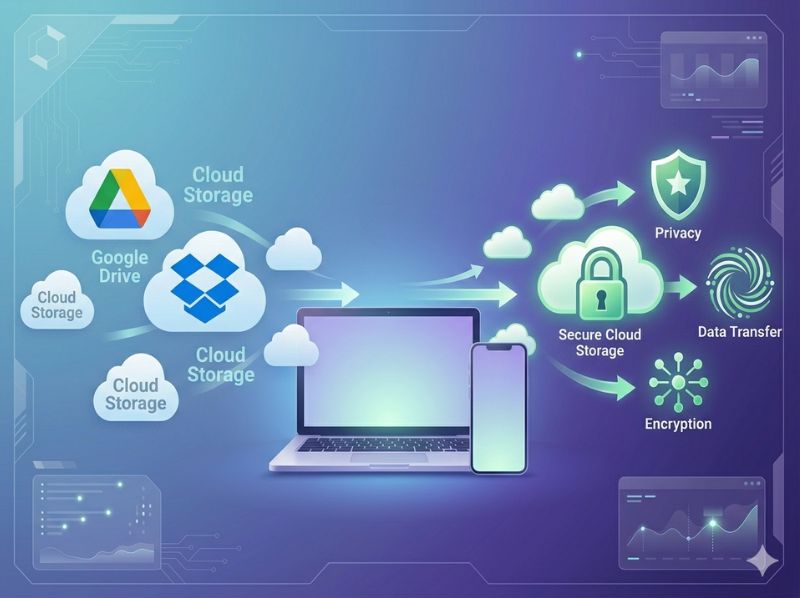
If you’re looking for cloud storage alternatives to Google Drive or Dropbox, you may have run out of storage again. Perhaps you were struck with another price hike. You may have thought that these big businesses know a little bit too much about your files, and you don’t like it anymore.
Cloud storage alternatives are services that replace platforms like Google Drive or Dropbox, often offering better privacy, pricing, or specialized features.
Whatever the reason, you are not alone. Many people are currently going through the same thing.
If you’re specifically moving away from Google Drive, best Google Drive alternatives
The bright side, however, is that there are some pretty good cloud storage alternatives in 2026. Some are cheaper, some are way more private, and some do things that Google Drive simply won’t. I’ve shared 12 of these here with their genuine pricing and pros and cons without any clichés.
By the time you finish reading this, you will know exactly which one to choose & when.
Why Are People Switching to Cloud Storage Alternatives in 2026?
Privacy Concerns with Google and Microsoft
A person does not give this thought until something makes them think. The fact of the matter is that these files are stored on Google Drive or OneDrive. So, Google or Microsoft will access them.
They can scan. Google has clearly stated that it uses the data from its services to improve products.
For personal stuff, that might just feel creepy. For business stuff – client files, contracts, financial records – it’s actually a problem. A real one.
True zero-knowledge encryption (where only you hold the key) is something Google Drive doesn’t offer at all. Neither does OneDrive by default.
Rising Subscription Costs
Prices have gone up across the board. The monthly price of Dropbox Plus rose from $9.99 to $11.99. Google One keeps adjusting its plans. Microsoft 365 bundles storage in ways that make it hard to know what you’re actually paying for.
Each increase seems small. However, if you are purchasing multiple seats for a small team, those “small” increases can add up quickly.
Free Tiers Are Getting Stingier
Google gives you 15GB free – but that’s shared between Gmail, Drive, and Photos. If Gmail is your regularly used email service, it fills up faster than you’d think. Dropbox offers a free plan with a cap of just 2GB in 2026. That’s basically nothing.
Meanwhile, some alternatives are giving away 10GB or even 20GB free with actual encryption included. The gap is getting harder to ignore.
Vendor Lock-In Is a Real Trap
Once all your stuff is in Google Docs format, getting it out cleanly is annoying. Once your team is deep in SharePoint, moving feels impossible. That’s not an accident – these companies make switching feel painful on purpose.
Picking a more neutral storage provider now saves you headaches later, especially if they decide to hike prices or kill a feature you rely on.
What to Look for in the Best Cloud Storage Alternatives
Encryption type – Zero-knowledge means only you can read your files. Standard encryption means the company can access them if needed (or if required by law). If privacy matters to you, zero-knowledge is the one to look for. We go into this in a lot more detail in our guide to cloud storage encryption and security practices.
Storage and pricing – Look at what you actually get per dollar. Some services charge $10/month for 200GB. Others give you 2TB for the same price. Also, check if lifetime deals are available – they can save you serious money over time.
Apps and sync – A cloud service with a bad mobile app will drive you crazy within a week. Ensure that it functions properly on the devices that you use.
Collaboration – If you are cooperating with others, ensure that the service allows browsing folders, administering permissions, and tracing file versions. Some alternatives are great for solo users but weak on team features.
Business compliance – If you’re in healthcare, legal, or finance, things like HIPAA and GDPR compliance aren’t optional. Our dedicated guide to business cloud storage covers this in more detail if you’re shopping for a team.
Not all cloud storage alternatives are built the same. Some focus on privacy, while others prioritize storage size or collaboration features.
The 12 Best Cloud Storage Alternatives in 2026
To help you choose the right option, here are the best cloud storage alternatives available in 2026, compared by pricing, features, and security.
1. Sync.com – Best Overall for Privacy
Sync.com doesn’t get talked about as much as it should. It’s based in Canada, outside US jurisdiction, and everything stored on it is end-to-end encrypted with zero-knowledge, meaning Sync.com itself cannot read your files. Not a marketing claim, that’s how the system is actually built.
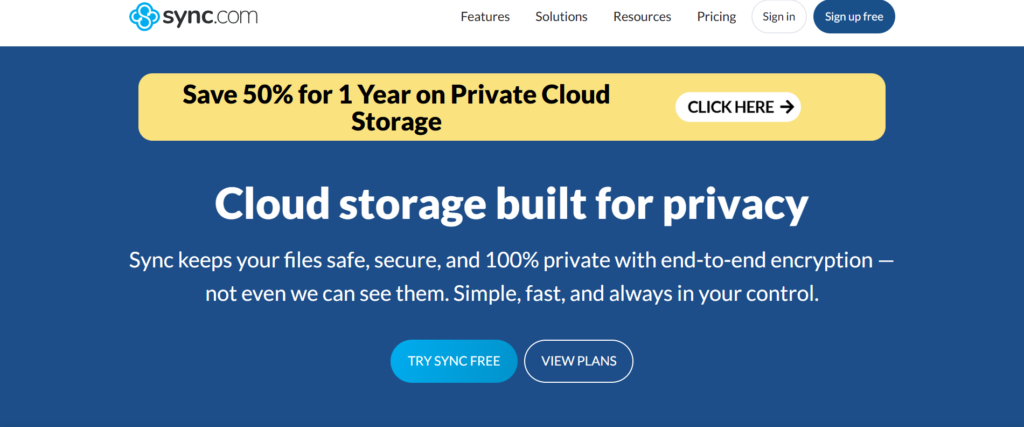
The apps are solid. The pricing is fair. And if you’re storing anything sensitive – client data, personal documents, financial stuff – this is genuinely one of the safest places to keep it.
Pricing:
- Free: 5GB
- Personal 150GB: $4/month
- Personal 1TB: $8/month
- Pro Solo 5TB: $16/month
Pricing can change over time. Always check Sync.com’s official pricing page for the most updated plans.
The good stuff:
- Real zero-knowledge encryption on everything, not just some files
- Works on Windows, Mac, iOS, Android, and web
- File versioning included so you can recover older versions
- HIPAA and GDPR compliant
- Good value for what you get
What’s lacking:
- You can’t stream media directly from it
- Team collaboration tools are basic compared to Google Drive
- Upload speeds can feel slower at times
Good fit for: Anyone who takes privacy seriously – freelancers, small businesses, people who store client or medical data.
2. pCloud – Best for Media and Lifetime Plans
pCloud is one of the few services that lets you pay once and own the storage forever. Their 2TB lifetime plan runs around $399 one time. If you’d otherwise pay $10/month somewhere else, that pays for itself in about 3 years – and then you’re just saving money indefinitely.
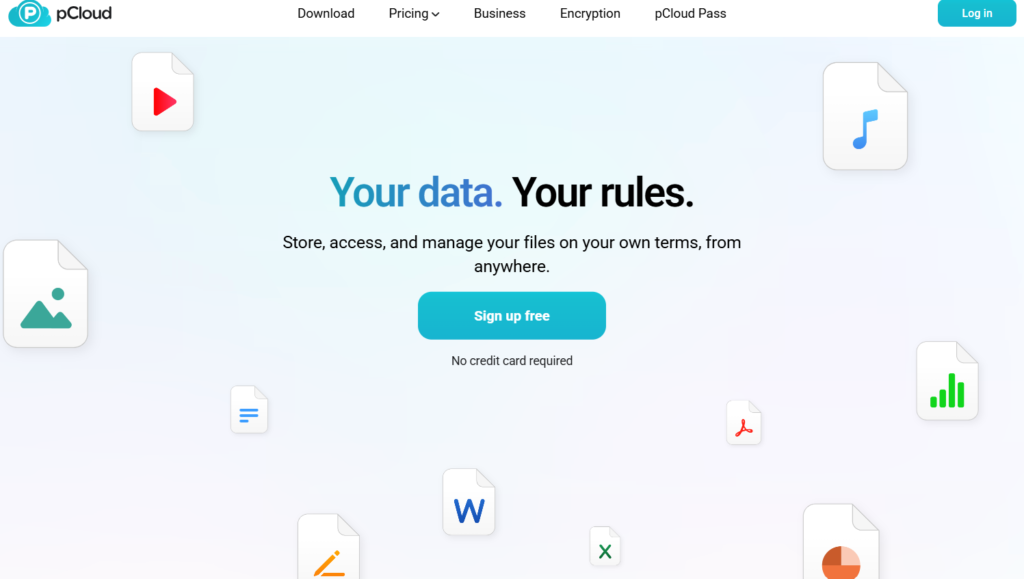
On top of that, pCloud is genuinely great for media. You can stream your videos and music directly from the app without downloading anything first. Photographers and video creators tend to really like it for this reason.
Pricing:
- Free: 10GB.
- Premium 500GB: $4.99/month
- Premium Plus 2TB: $9.99/month
- Ultra 10TB: $29.99/month
Plans and lifetime deals may vary, so confirm current pricing directly from pCloud’s official pricing page.
The good stuff:
- Lifetime plan is one of the best deals in cloud storage right now
- Built-in media player for video and audio
- Fast upload and download speeds
- Good apps across all platforms
What’s lacking:
- Zero-knowledge encryption isn’t included by default – it costs extra
- Not the strongest option for team collaboration
- If you want real privacy, the lifetime plan ends up pricier once you add encryption
Good fit for: Photographers, video editors, and anyone who wants to stop paying monthly bills for storage.
3. Proton Drive – Best for Zero-Knowledge Encryption
Proton started with encrypted email (ProtonMail) and built Proton Drive with the same mentality – privacy first, everything else second. It’s hosted in Switzerland, which has fantastic privacy laws, and everything is end-to-end encrypted as soon as you upload.
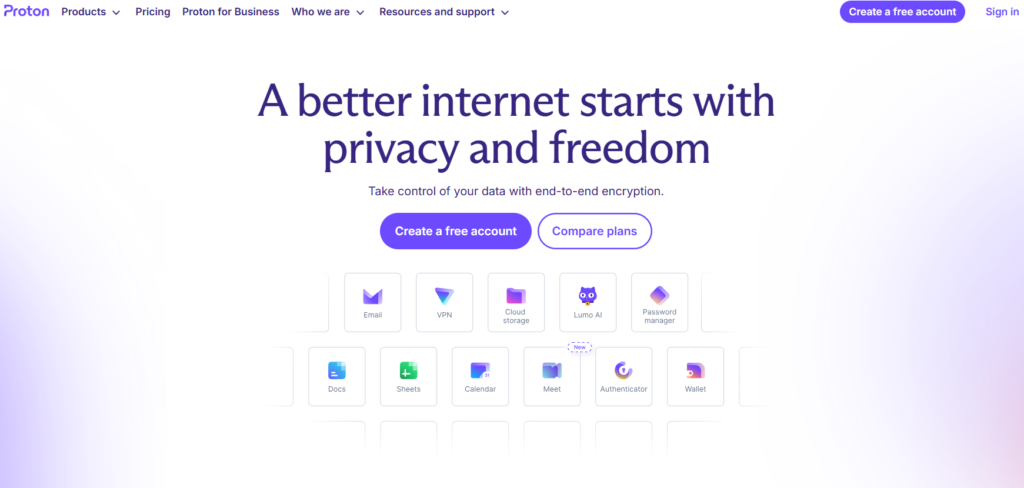
The communal nature of the code means security researchers can check that it does what it claims. The majority of cloud companies lack transparency like this one.
Pricing:
- Free: 5GB
- Drive Plus: $4.99/month for 200GB
- Proton Unlimited: $12.99/month for 500GB (covers all Proton services)
- Proton Family: $29.99/month for 3TB
Pricing is subject to updates, so refer to Proton Drive’s official website for the latest subscription details.
The good stuff:
- Best privacy you’ll find in cloud storage, full stop
- Swiss law adds extra legal protection for your data
- Open source and independently audited
- Pairs nicely with ProtonMail and ProtonVPN if you use them
What’s lacking:
- 5GB free is on the smaller side
- Collaboration features are still catching up
- The value proposition is stronger if you use other Proton products too
Good fit for: Anyone who wants maximum privacy – journalists, activists, healthcare workers, or just people who’d rather Proton didn’t have access to their files. More details in our guide to secure and encrypted cloud storage.
4. MEGA – Best Free Storage
MEGA gives you 20GB free. That’s the most generous free tier on this whole list, and it comes with end-to-end encryption included. No credit card, no catch.
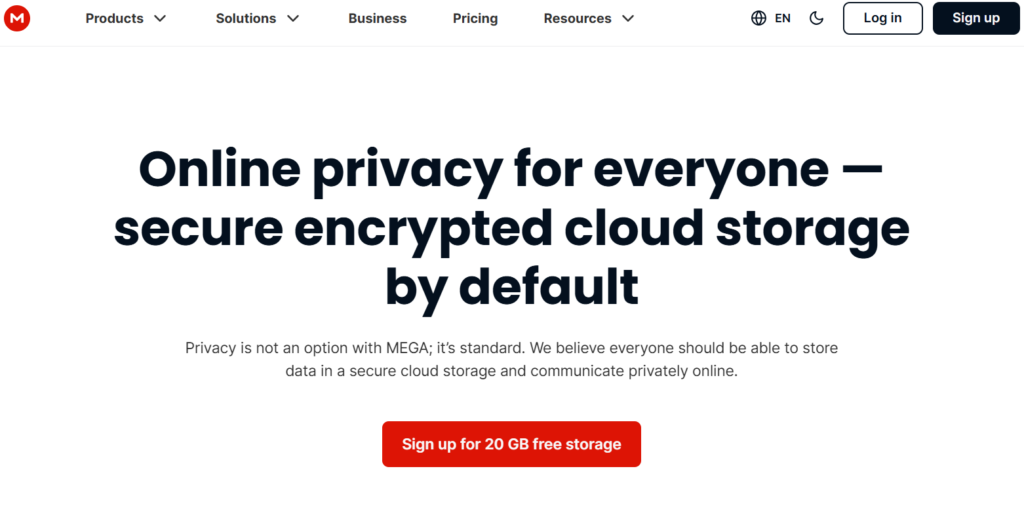
It’s been around for over a decade now, it’s stable, and the apps work well. If you’re not ready to pay for cloud storage but you want something meaningfully better than Google Drive’s free 15GB (which gets eaten up by Gmail), MEGA is the easy answer.
Pricing:
- Free: 20GB
- Pro I: $11.68/month for 3TB
- Pro II: $23.37/month for 10TB
- Pro III: $35.07/month for 20TB
MEGA frequently updates its plans, so always verify the latest pricing on its official pricing page.
Note: Pro Lite has been discontinued
The good stuff:
- 20GB free with real encryption – hard to beat
- End-to-end encrypted by default on all plans
- Decent apps on all major platforms
- Includes MEGA Chat for messaging
What’s lacking:
- Free accounts have transfer limits that can slow you down
- The interface isn’t the most modern
- Has had some reputation baggage from its early days (ownership has since changed)
Good fit for: Anyone who wants the most free cloud storage available without paying anything. Our free cloud storage alternatives guide covers more options like this.
5. Internxt – Best for Privacy-First Users
Internxt is a newer product but the technology is actually fascinating! When it is uploaded, it gets shredded, encrypted and spread out across multiple servers. A complete file is never stored on a single server. It’s a fundamentally more private way of storing data.
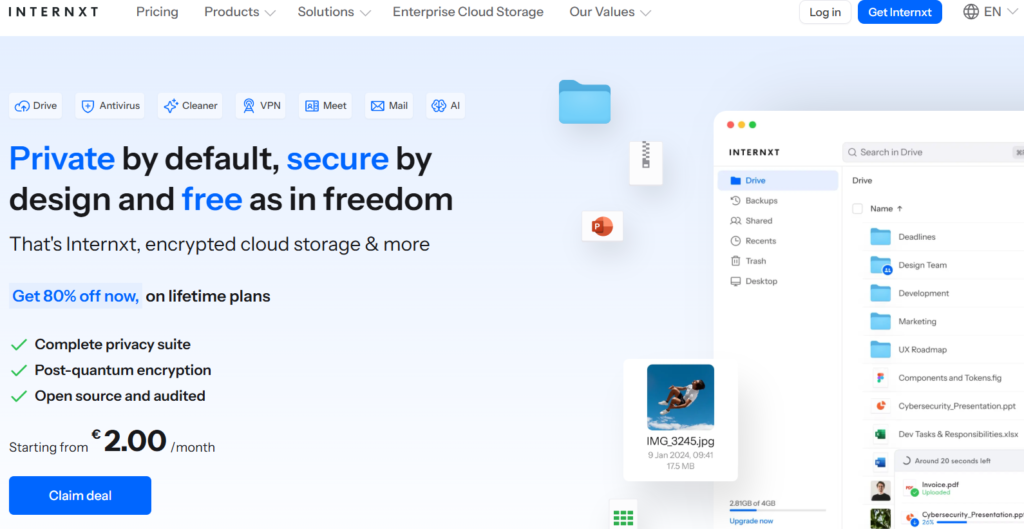
Since the company is located in Spain, the EU law and GDPR apply. The code is open source. Prices are low. For a privacy-first user who wants something different from the usual options, Internxt is worth a real look.
Pricing:
- Free: 1GB
- Essential 1TB: ~€24/annually
- Premium 3TB: ~€48.72/ annually
- Ultimate 5TB: ~€72/annually
Pricing may change depending on promotions and billing cycles, check Internxt’s official pricing page for accuracy.
Note: Prices listed on internxt site are in EUR and include VAT; your USD equivalent may vary slightly
The good stuff:
- Unique distributed storage architecture makes it harder to compromise
- Open source and independently audited
- Very affordable for the privacy features you get
- EU-based for GDPR
What’s lacking:
- Smaller company, so the ecosystem isn’t as mature
- Desktop app is still being improved
- Team and collaboration features are minimal
Good fit for: Privacy-focused individuals and developers who want something technically innovative and truly private.
6. Tresorit – Best for Business Security
Tresorit is on the pricier side – it knows it, and it doesn’t apologize for it. This is a product built for businesses that have real compliance requirements. End-to-end encryption, admin dashboards, granular permission controls, audit logs, remote wipe – everything a security officer or IT manager wants to see.
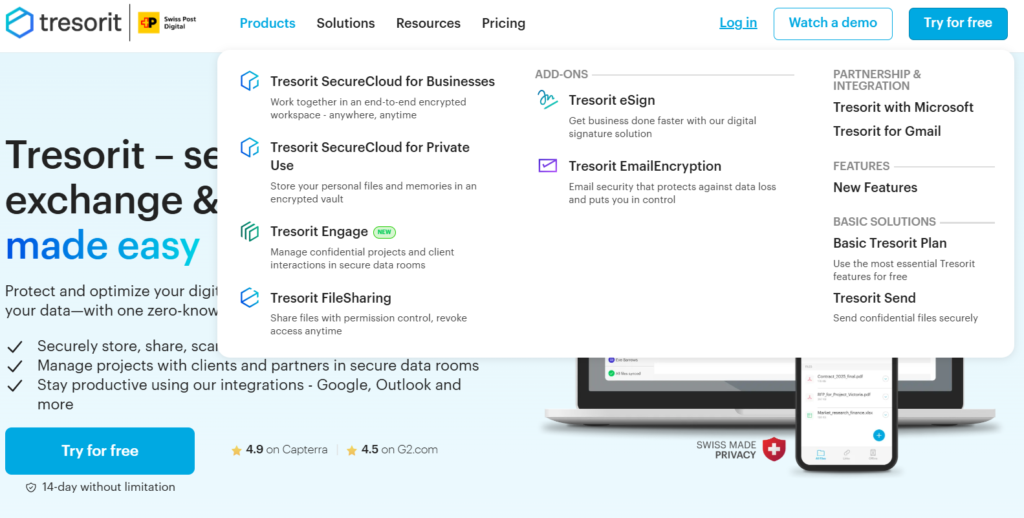
If you’re in healthcare, law, finance, or any other regulated industry, Tresorit is one of the few cloud storage options that actually checks every compliance box without cutting corners.
Pricing:
- Free: 3GB (Basic plan)
- Personal Lite: $5.99/month for 50GB
- Personal Essential: $13.99/month for 1TB
- Personal Pro: $33.99/month for 4TB
Subscription costs can vary by region and plan type, so visit Tresorit’s official pricing page for updated details.
The good stuff:
- Enterprise security you can count on, not just for show.
- Compliant with HIPAA, GDPR and ISO 27001.
- Strong admin controls and user management
- Reliable and fast sync
What’s lacking:
- Too expensive for solo users or small personal budgets
- Free plan is very limited (only 3GB)
- Overkill if you just need personal storage
Good fit for: Law firms, medical practices, financial teams, and businesses that genuinely can’t afford a data breach. See our business cloud storage guide for a full comparison of business-ready options.
7. IDrive – Best for Multi-Device Backup
IDrive thinks about cloud storage differently. Instead of giving you one sync folder, it backs up multiple devices under one account – PCs, Macs, phones, tablets, even NAS drives. Everything covered, one price.
For families or small offices with a lot of devices, that model makes a lot of financial sense. You’re not paying per device, you’re paying for the storage pool itself.
Pricing:
- Free: 10GB
- Personal 5TB: ~$11.99/month
- Team 5TB: ~$11.99/month
- Business 1.25TB: ~$59.99/month
IDrive pricing is periodically updated, so always confirm current rates on their official website.
The good stuff:
- Unlimited device backup under one account
- Keeps 30 previous versions of your files
- Physical drive backup option – they mail you a drive to restore from
- Good value when you’re protecting multiple devices
What’s lacking:
- Not zero-knowledge encrypted by default
- The interface feels a bit old-fashioned
- More about backup than share and collaborate.
Good fit for: Families, small offices, and anyone managing a lot of devices who needs solid backup more than real-time sync.
8. Backblaze – Best for Unlimited Backup
Backblaze Personal Backup does one thing and does it really well – it backs up your entire computer for $99/year (about $8.25/month) with no storage cap. Not 1TB, not 5TB. Everything on your machine, unlimited.
You won’t get a sync folder or shared links. This is purely a backup service. You would be able to recover everything due to Backblaze. That tranquility of mind is worth a lot.
Pricing:
- Backblaze B2: ~$6/month for 1TB
- Backblaze B2 Overdrive: ~$15/month for 1TB
Backblaze pricing may change over time, check the official Backblaze pricing page for latest information.
The good stuff:
- Genuinely unlimited backup for one flat price
- Super simple – install it and forget it
- 30-day version history included
- Trusted by a huge number of people for years
What’s lacking:
- Only backs up one computer per plan
- Not a sync or sharing service at all
- Mobile restore is limited
Good fit for: Anyone who wants to make sure their computer’s data is safe without thinking about storage limits ever again.
9. Box – Best for Enterprise Teams
Box is a cloud storage platform built specifically for businesses. It connects with anything and everything – Salesforce, Slack, Microsoft 365, Google Workspace, DocuSign – and gives IT teams the kind of admin controls and compliance reporting that actually shows up in enterprise procurement requirements.
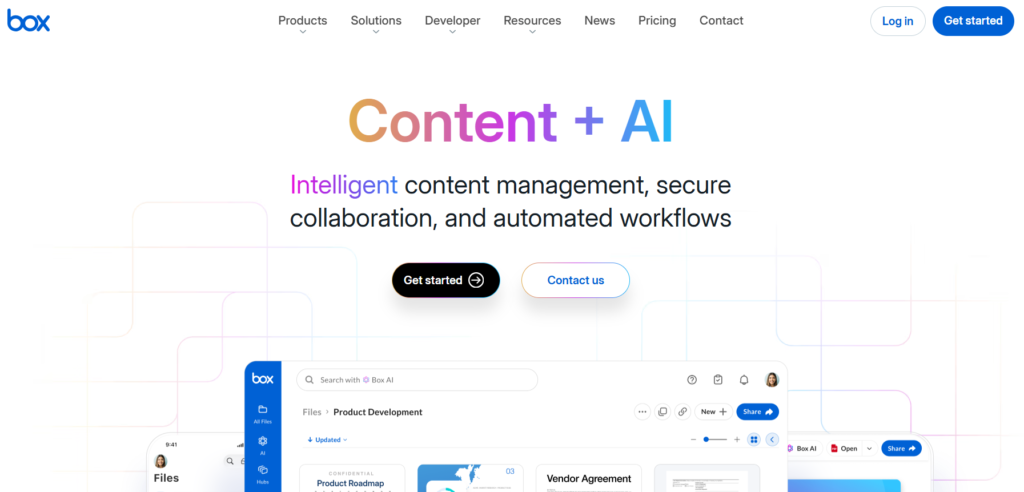
The collaboration and integration story is much stronger for Box than privacy first alternatives for bigger teams or growing companies.
Pricing:
- Free: 10GB (personal use only)
- Personal Pro: $16/month for 100GB
- Business Starter: $8/month for 100GB
Box pricing varies by plan and user count, so refer to the official Box pricing page for accurate details.
The good stuff:
- Integrates with hundreds of business tools
- Strong compliance and admin features
- Solid collaboration – comments, tasks, version control
- Reliable uptime
What’s lacking:
- Not zero-knowledge – Box can technically access your files
- Can feel complex to set up for smaller teams
- Costs accumulate rapidly with each added user.
Ideal for mid-size to large companies needing storage that seamlessly works with their existing tools and workflows.
10. Nextcloud – Best Self-Hosted Option
Nextcloud is completely different from everything else on this list. It’s open-source software you install on your own server – a home server, a cheap VPS, a Raspberry Pi, whatever you’ve got. Your files never touch someone else’s hardware. You own the whole thing.
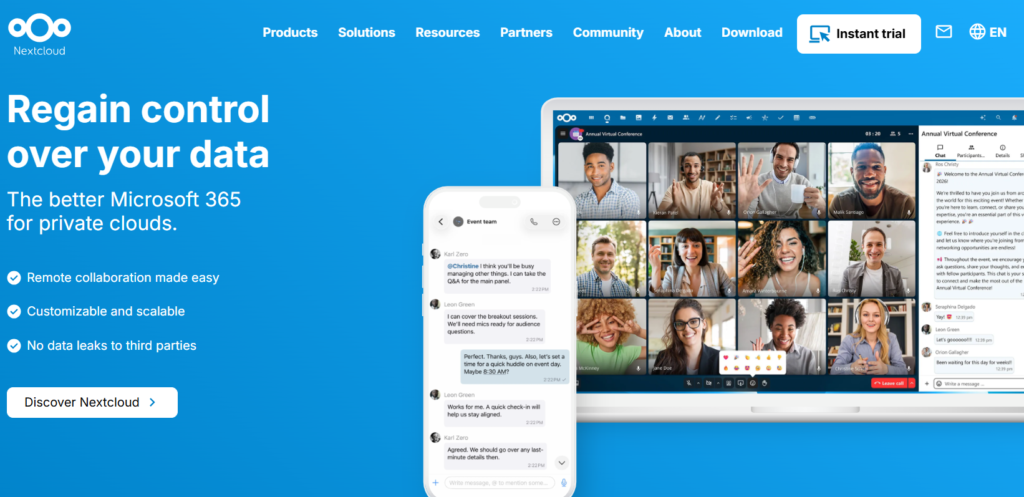
There are no additional monthly fees aside from your current hosting payments. Since it is open source, you can extend it with apps such as calendars or video calls or document editing and more.
Pricing:
- Free (software is open source)
Since Nextcloud is self-hosted, costs depend on your hosting provider, always verify server pricing separately.
The good stuff:
- Total data sovereignty – you control everything
- No company that can read your files, raise prices, or shut down
- Enormous flexibility through community apps
- Active development and a large community
What’s lacking:
- Requires technical setup and ongoing maintenance
- Not beginner-friendly at all
- You are responsible for your own security and backups.
Ideal for: developers, system administator, tech-savvy users who want total control by hosting/maintaining their own setup and have plenty of spare time.
11. IceDrive – Best Budget Option
IceDrive is fairly new, but it’s caught a lot of attention for offering zero-knowledge encryption at prices that are hard to argue with. The interface is clean and modern – honestly nicer than some much bigger services. And the lifetime plans make it accessible to people who just don’t want another subscription.
It doesn’t have the track record of pCloud or the business features of Box, but for personal use on a budget, it’s genuinely impressive.
Pricing:
- Free: 10GB
- Pro (2TB): $5.99/month or $29/year
- Pro Plus (4TB): $9.59/month or $49/year
- Pro Max (6TB): $16.99/month or $99/year
- Lifetime plans also available (2TB base with storage “stacks”)
IceDrive plans may be updated or discounted periodically, so check the official pricing page for current offers.
Note: The old “Lite” 150GB plan no longer exists
The good stuff:
- Some of the lowest prices on this list
- Nice, clean interface that’s actually pleasant to use
- Zero-knowledge encryption available
- Lifetime plan options
What’s lacking:
- Newer company, shorter track record
- Collaboration tools are very basic
- Mobile app still needs work
Good fit for: Individuals on a tight budget who want more storage than free tiers offer without spending much.
12. Koofr – Best for Managing Multiple Cloud Accounts
Koofr does something nobody else really does – it connects your existing cloud accounts (Google Drive, Dropbox, OneDrive, Amazon Drive) and lets you manage everything from one dashboard. Move files between services, organize across platforms, and access everything in one place.
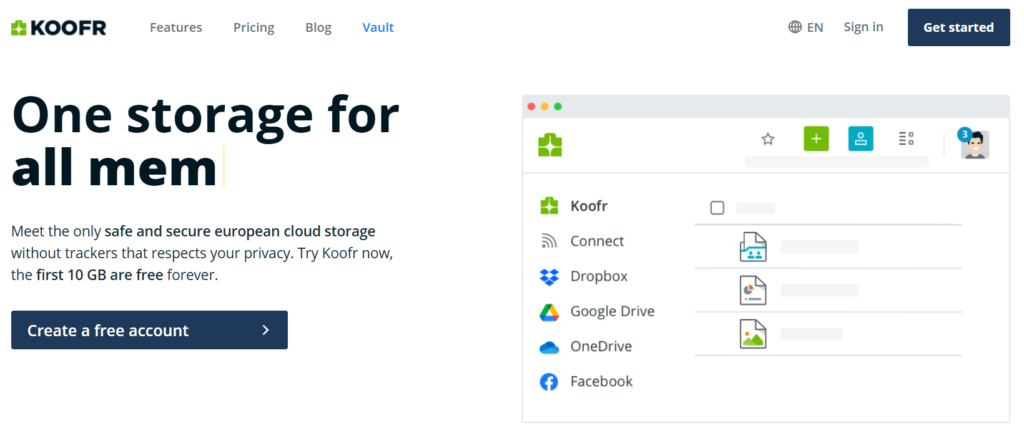
If you’ve accumulated storage across different services over the years and your files are scattered everywhere, Koofr is genuinely useful.
Pricing:
- Free: 10GB
- Plans are yearly-only (no monthly billing)
- S (10GB): ~0.5 EUR /month
- M (25GB): ~1 EUR /month
- L (100GB): ~2 EUR /month
Koofr pricing is listed in EUR and may change, so always confirm details on the official Koofr pricing page.
Note: Prices listed on Koofr’s site are in EUR and include VAT; your USD equivalent may vary slightly.
The good stuff:
- Connects with Google Drive, Dropbox, OneDrive, and others.
- Located in Slovenia, in accordance with EU law and GDPR compliant.
- Clean, simple interface.
- Good encryption and privacy practices.
What’s lacking:
- Own storage is small for the price if you’re not connecting other services
- Best value as a management layer, not a standalone storage service
- Very limited collaboration tools
Ideal for: Individuals who possess cloud storage that is scattered in multiple services and want a sole service to manage it all.
Quick Comparison of the Top Cloud Storage Alternatives
Service |
Free Storage |
Paid Plans From |
Encryption |
Best For |
| Sync.com | 5GB | $4/month (150GB) / $8/month (1TB) | Zero-knowledge | Privacy overall |
| pCloud | 10GB | $4.99/month (500GB) | Standard (ZK add-on) | Media & lifetime plans |
| Proton Drive | 5GB | $4.99/month (200GB) | Zero-knowledge | Maximum privacy |
| MEGA | 20GB | $11.68/month (3TB) | End-to-end | Free storage |
| Internxt | 1GB | ~€24/year (1TB) | Zero-knowledge | Privacy-first users |
| Tresorit | 3GB | $5.99/month (50GB) | Zero-knowledge | Business security |
| IDrive | 10GB | ~$11.99/month (5TB) | Standard | Multi-device backup |
| Backblaze | None | ~$8.25/month (unlimited backup) | Standard | Unlimited backup |
| Box | 10GB | $7/month (100GB) | Standard | Enterprise teams |
| Nextcloud | Self-hosted | Server cost only (~$5–15/month) | Configurable | Self-hosted control |
| IceDrive | 10GB | $5.99/month (2TB) | Zero-knowledge | Budget users |
| Koofr | 10GB | ~€0.5–2/month (10–100GB plans) | Standard | Multi-cloud management |
Which Cloud Storage Alternative Should You Choose?
You want maximum privacy: Go with Proton Drive or Sync.com. Both are zero-knowledge, both are outside US jurisdiction, and both have solid track records. Proton makes more sense if you already use ProtonMail. Sync.com wins on storage value.
You want to stop paying monthly: pCloud’s lifetime plan is the most established option. IceDrive is cheaper if you need less storage. Either one pays for itself in a few years.
You want to spend as little as possible: MEGA gives you 20GB free with real encryption – that’s genuinely hard to beat. If you need a paid plan, IceDrive starts at $4.99/month for 1TB.. Check our full breakdown of free cloud storage alternatives if you’re not ready to pay anything yet.
You’re shopping for a business: Tresorit if you need compliance and security above everything else. Box if you need integrations with your existing business tools. Our business cloud storage guide goes deeper on both.
You’re specifically looking to leave Google Drive: Sync.com and pCloud are the easiest transitions – similar feel, better privacy. We compare them in detail in our Google Drive alternatives guide.
You want to run your own setup: Nextcloud. Nothing else comes close if you want full ownership of your data and you’re comfortable with the technical side.
How to Switch to a Cloud Storage Alternative Without Losing Your Files
This sounds harder than it is. Here’s a straightforward way to do it:
Step 1 – Clean up first. Go through your current storage before you move anything. Delete stuff you don’t need. Organize your folders. Moving a mess just creates a mess somewhere else.
Step 2 – Download everything locally. Use your current provider’s export tool (Google Takeout works for Google Drive) to pull all your files to your computer. This is your backup in case anything goes wrong.
Step 3 – Set up your new service. Install the desktop app on your computer. Let it set up the sync folder before you start moving files.
Step 4 – Move in batches. Don’t drag everything in at once. Do one folder at a time. Check that it uploaded correctly before moving on to the next one.
Step 5 – Check your other devices. Before you go making anything permanent, look it over on your phone and any other computers you may use.
Step 6 – Wait a month before canceling your old account. Keep the old account active for 30 days. You’ll almost always remember something you forgot to move.
Step 7 – Update shared links. If you’ve shared links with anyone – clients, colleagues, anywhere on a website – those links will break when you cancel. Make a list before you start so you can update it.
FAQs About Cloud Storage Alternatives
What is the cheapest cloud storage alternative?
IceDrive’s Pro plan starts at $4.99/month for 1TB, making it one of the most affordable paid options on this list. Backblaze costs $99/year (about $8.25/month) but gives you unlimited backup for one computer. pCloud and IceDrive both have lifetime plans available, which makes them cheaper than monthly subscriptions after a few years if you want a one-time payment.
Is there a free alternative to Google Drive?
Yes, and honestly, some of them are better. MEGA gives you 20GB free with end-to-end encryption. IceDrive gives 10GB free. Internxt offers 1GB free. Our free cloud storage alternatives guide covers all your options at zero cost.
Which cloud storage is the most secure?
Proton Drive and Sync.com are the strongest choices for most people – both are zero-knowledge encrypted, so even the company can’t read your files. For businesses, Tresorit adds compliance certifications and admin controls on top of that. More details in our secure cloud storage guide.
Do I need HIPAA-compliant cloud storage for my business?
If you’re storing anything related to patient health information in the US, yes – HIPAA compliance is legally required. Tresorit, Sync.com, and Box all offer HIPAA-compliant plans. Our business cloud storage guide breaks down the compliance options in more detail.
Is self-hosted storage better than cloud storage?
It all depends on your needs. Self-hosted apps (like Nextcloud) give you complete control and no ongoing fees, but you have to maintain, secure, and backup them. Cloud storage is more convenient but puts your information in other people’s hands. A range of privacy-oriented cloud services like Proton Drive and Sync.com strike the right balance for most.
Wrapping Up
There are genuinely good alternatives to Google Drive and Dropbox in 2026 – you just have to know where to look. Sync.com and Proton Drive lead on privacy. pCloud wins for anyone who wants a lifetime deal. Tresorit and Box are the right choices for businesses. MEGA is unbeatable if you want free storage with real encryption.
The best cloud storage alternative for you depends on what matters most, including privacy, cost, storage space, and business features.
The right move depends on what’s been bothering you about your current setup. Privacy? Cost? Storage limits? Pick the service that solves your actual problem – not the one with the biggest marketing budget.
If you’re running a business and need help thinking through storage as part of a wider workflow, our business cloud storage guide is a good next step. And if cost is the main thing holding you back, check out our free cloud storage alternatives breakdown before you commit to anything paid.

