
It is not always necessary for the best WooCommerce plugin to be the one with a plethora of features. It all depends on the requirements of your business. While a new store in the USA may require payment processing, shipping, taxes, and reliable emails about orders, an expanding collection will require something else. Here is a comparison of 12 plugins based on features, pricing strategies, and restrictions. The idea is not to install all of them but rather to use this list to find the crucial WooCommerce extensions for your store.
Best WooCommerce Plugins at a Glance
| Plugin | Main use | Free/paid model | Main limitation |
| WooPayments | Online payments | Free; processing fees apply | Country eligibility and transaction fees |
| WooCommerce Shipping | US shipping labels | Free; pay for labels | Mainly fulfillment, not live checkout rates |
| WooCommerce Tax | Automated tax calculations | Free | Supported locations and tax requirements apply |
| WP Mail SMTP | Transactional email delivery | Free + Pro | Email provider costs/limits still apply |
| Jetpack | Security and backups | Free + paid | Advanced protection requires paid services |
| Rank Math | Product SEO | Free + Pro | Advanced features require paid tier |
| FiboSearch | Product search | Free + Pro | Premium search features require upgrade |
| WP Rocket | Caching and speed | Paid license | Hosting and configuration still matter |
| FunnelKit Funnel Builder | Checkout optimization | Free + paid | Advanced conversion tools are paid |
| MailPoet | Email marketing | Free + paid | Subscriber/sending limits vary |
| Advanced Coupons | Advanced promotions | Free + paid | Advanced rules require premium |
| ATUM | Inventory management | Free + paid add-ons | Advanced workflows may need add-ons |
This may vary with the provider. An example of this is that WooCommerce Shipping has a free download but is charged per label purchased, while WooPayments operates on a pay-per-transaction rather than a monthly subscription for online payments.
How to Choose the Right WooCommerce Plugins
Good WooCommerce plugins will fix a problem that you have without causing another problem. First of all, it is necessary to determine which of those things is lacking on your website, and secondly, to verify whether your plugin is compatible with both WooCommerce and WordPress. In addition, check if your hosting company provides features like caching, backups, security, and email features. The installation of two plugins to do similar functions may cause conflicts and unnecessary server or database processing.
Essential WooCommerce Extensions for Store Setup
1. WooPayments: Integrated Payment Management
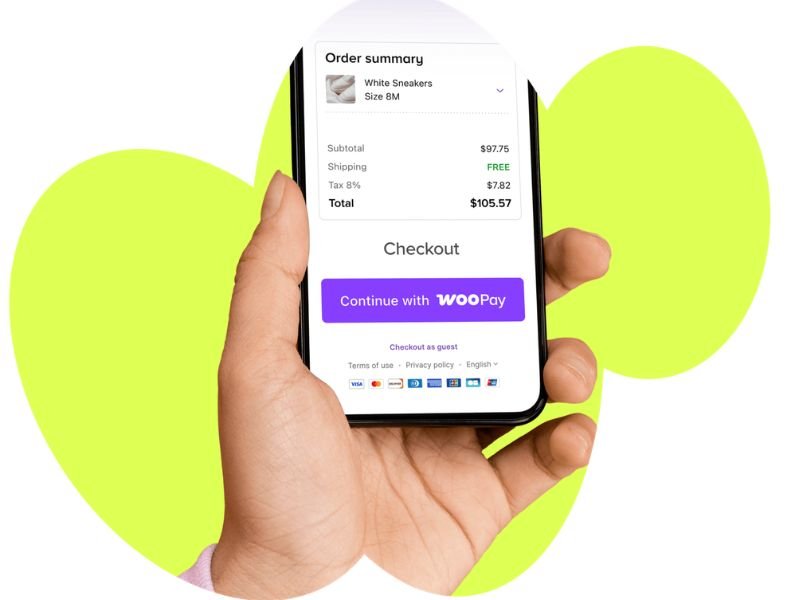
For a US merchant who wants payment management inside the WooCommerce dashboard, WooPayments is one of the best WooCommerce plugins to consider. It supports payment processing and provides payment activity from the store environment. There is no setup fee or monthly fee for online payments, but transaction fees apply and vary by business country, customer location, currency, and payment method.
The best-fit store is one that wants a Woo-focused payment workflow. The limitation is eligibility and processing cost. Check merchant-country availability before relying on it as your only gateway. For many US stores, it can be a practical starting point, but compare its transaction costs with your expected order volume.
2. WooCommerce Shipping: Shipping Labels for US Stores
One of the most valuable essential WooCommerce plugins that a US store dealing in physical products can use is the WooCommerce Shipping plugin. This plugin allows sellers to buy and print their shipping labels from the WooCommerce platform. The plugin itself is free and does not charge any monthly fee or markup; however, the shipping labels themselves will still cost money.
The plugin will be very helpful for merchants who want an efficient fulfillment process. Unfortunately, the plugin does not give live carrier rates during checkout. According to WooCommerce, the shipping label service is available to US stores only and provides discounted rates for USPS, UPS, and DHL carriers.

3. WooCommerce Tax: Automated Tax Calculations
WooCommerce Tax can be one of the most useful woocommerce store setup plugins for merchants who want automated tax calculations. Once enabled, it calculates tax using the customer’s shipping address and handles automated tax-rate calculations for supported locations.
For a US store, this can reduce manual tax-rate work, but it does not remove your responsibility for understanding your tax obligations. Automated tax coverage depends on supported store locations and configuration. Before installation, confirm that your business location and selling requirements are supported. The best use case is a store that wants automated calculations without manually maintaining every rate.

4. WP Mail SMTP: Transactional Email Delivery
Reliable email delivery is often overlooked during woocommerce store setup. WP Mail SMTP changes how WordPress sends email by connecting the site to an SMTP or transactional email provider. The free version provides core SMTP functionality, while Pro adds features such as email logs, reports, backup connections, alerts, and conditional routing.
It is a strong choice for stores where order confirmations or customer notifications are not consistently reaching inboxes. The important limitation is that WP Mail SMTP does not replace the email provider. Your provider can still impose sending limits or fees. Configure and test order emails after connecting the mailer.
5. Jetpack: Security and Backup Options
Jetpack can cover several areas that matter during woocommerce store setup, including security, backups, downtime monitoring, and performance-related tools. Installation is free, and some protection features are available without payment. More advanced security and real-time backup services require paid plans.
It can fit a store that wants several WordPress protection tools under one ecosystem. However, check what your hosting company already provides. Paying for duplicate backups, caching, or security services may add cost without adding much value. Before choosing Jetpack, compare its features with your existing hosting and security stack.
Best WooCommerce Plugins for SEO, Search, and Speed
6. Rank Math: Product SEO Management
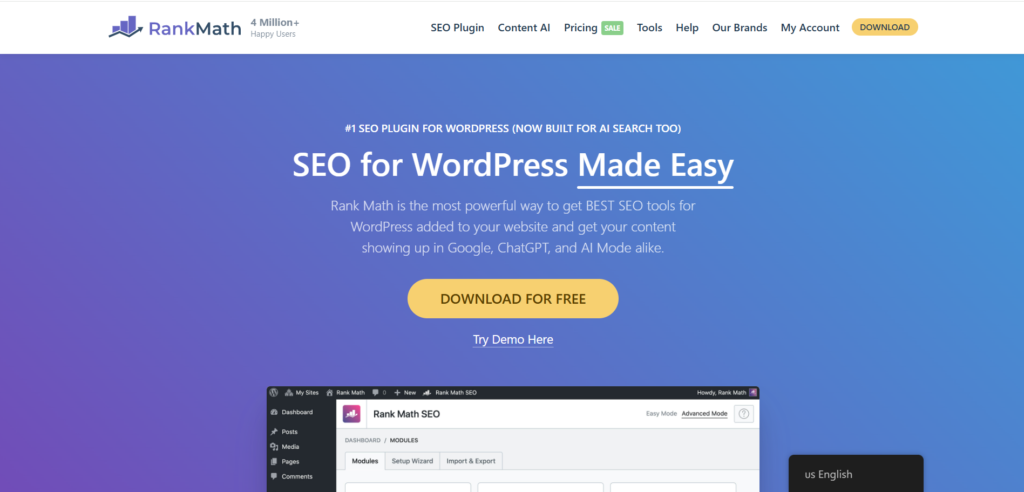
If you want to raise your product SEO to another level, then Rank Math is surely a great WordPress plugin for you. This one is a wonderful WooCommerce plugin that comes up with several SEO-related functions like SEO checks, metadata, schema, keyword recommendations, and more. The free version offers a lot of features, but there is a premium option as well.
In case of product stores, it can be quite helpful in managing titles, descriptions, structured data, and other such on-page SEO factors. Normally, a store would have to choose between one major SEO plugin instead of having Rank Math work together with another complete SEO plugin like Yoast.
7. FiboSearch: Live Product Search
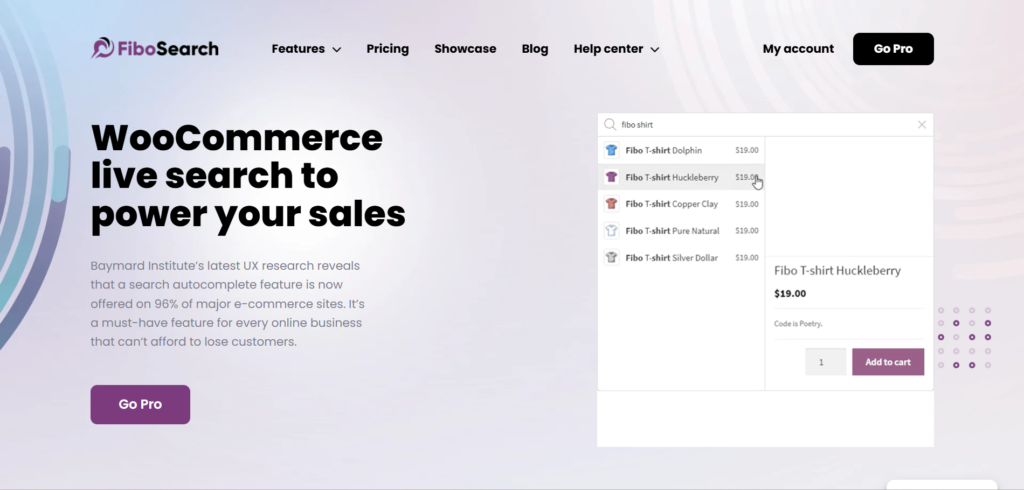
FiboSearch will prove helpful if your clients cannot find products within an extensive product catalog. The extension adds live search suggestions along with specialized product searching. The basic features of this extension come with the free version, while its advanced features require purchasing the premium version.
Standard WooCommerce search will be sufficient for a small catalog. An expanding shop that sells hundreds or even thousands of products will definitely benefit from this extension. It becomes especially useful when product names, SKUs, categories, or variations make ordinary search less effective. This is one of the essential WooCommerce extensions only when product discovery is actually a problem.
8. WP Rocket: Caching and Performance Optimization
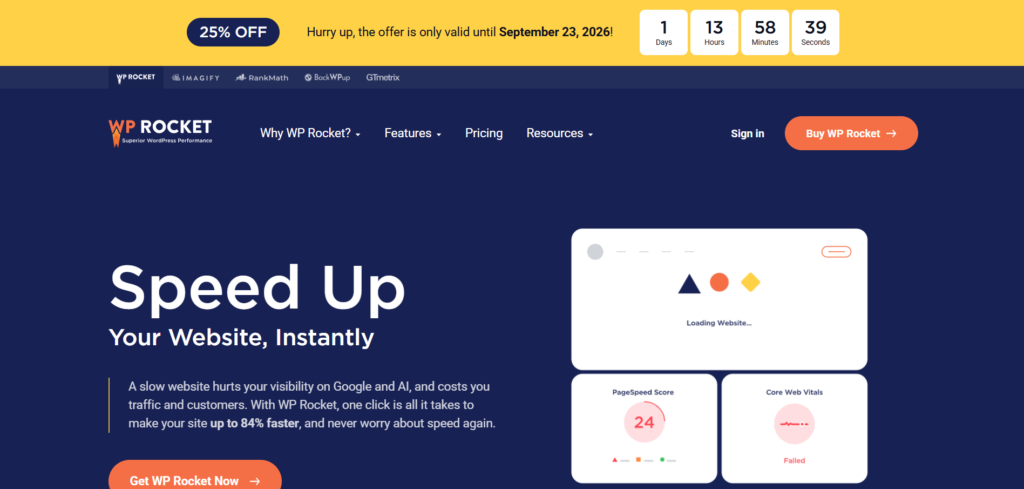
WP Rocket is a premium performance plugin that helps optimize caching as well as other tasks. This can be useful for websites that require more performance control, but it should never be considered a cure-all solution for speed problems.
WooCommerce pages require special attention due to the dynamic nature of customer data on cart, checkout, and account pages. WP Rocket provides a list of pages that are automatically excluded. You have to test product pages, cart functionality, checkout process, login page, and account pages once you configure this plugin. Check if your web host offers any server-side caching.
Best WooCommerce Plugins for Sales and Store Management
9. FunnelKit Funnel Builder: Checkout Customization
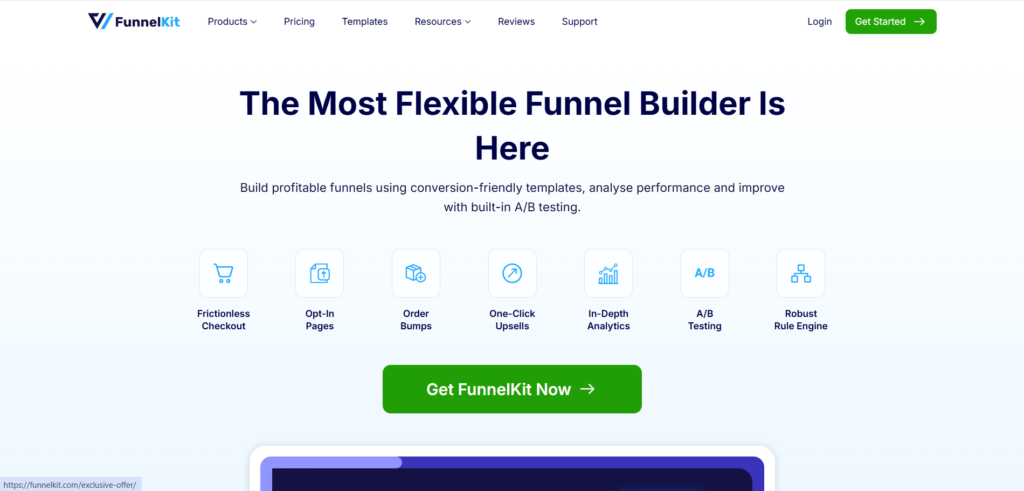
FunnelKit Funnel Builder targets businesses that require more management over their checkout and conversion landing pages. The features provided depend on the package used and include checkout customizations, funnels, order bumps, one-click upsells, A/B testing, and analytics. According to FunnelKit, they offer a free service along with their paid packages, with the lowest price at $99.50 per year for the Basic package in May 2026.
A business with an easy checkout does not require it. On the other hand, a business owner who is experimenting with different checkout designs or adding order bumps has better justification. Do not confuse Funnel Builder with FunnelKit’s Automations.
10. MailPoet: Email Marketing
MailPoet works best for newsletter purposes and for email marketing via WooCommerce. This tool may prove to be helpful for those stores that wish to have their customer communications and marketing activities conducted through WordPress.
It is among the best WooCommerce plugins when email marketing is becoming a regular sales channel. However, plan limits matter. Subscriber counts, sending volumes, and automation requirements can affect which tier makes sense. A small store can start with the available free functionality, then upgrade when its audience or automation needs exceed the included limits.

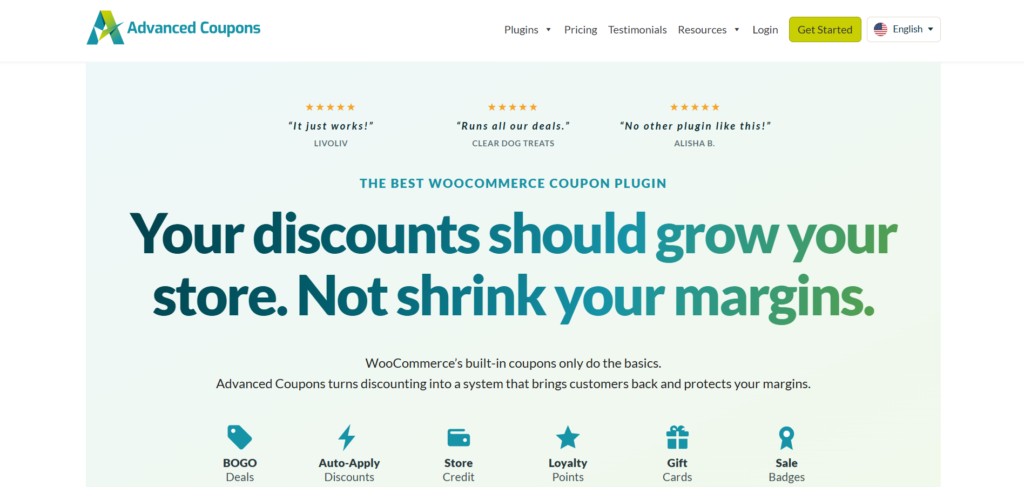
11. Advanced Coupons: Advanced Promotions
WooCommerce’s standard coupon system works well for basic discounts, but Advanced Coupons adds more promotional rules. The free version includes selected features such as BOGO deals, URL coupons, store credit, coupon categories, role restrictions, and cart conditions.
The Growth Plan, which is the highest-tier plan, currently costs $99.50 per year for one site, whereas the Business plan costs $199.50 per year for unlimited sites. An example of where an upgrade is necessary would be for stores using BOGO discounts or role-based discounts. In cases where you simply need a percentage-off coupon, WooCommerce discount coupons will do.
12. ATUM Inventory Management: More Detailed Stock Operations
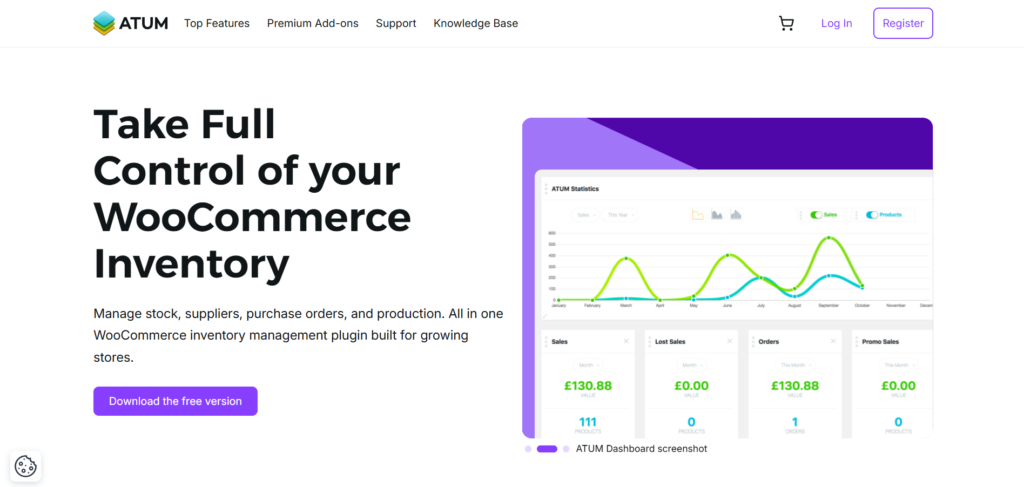
ATUM is one solution that would work well for those stores that have moved past the standard inventory options offered by WooCommerce. This open-source inventory management plugin offers features such as inventory analytics, Stock Central, inventory logs, purchase orders, vendor tools, and other stock management features.
This would be a particularly useful tool for a store owner who needs to manage parts for repairs, different product lines, and constantly changing inventory. A small shop with just ten basic products most likely will not require such inventory management.
Which WooCommerce Store Setup Plugins Do You Actually Need?
The right woocommerce store setup plugins depend on what you sell and how the business operates. You do not need every tool in this list.
New physical-product store: Start with payments, shipping labels, applicable tax tools, reliable transactional email, and protection. First check what your hosting company already includes. WooCommerce Shipping is particularly relevant for US-based merchants shipping physical orders.
Digital-product store: Payments and customer emails matter, but physical shipping tools may be unnecessary. This is a good example of why woocommerce store setup plugins should be selected by function rather than popularity.
Growing catalog: Add search, inventory management, email marketing, or checkout optimization only when a specific problem appears. FiboSearch can help product discovery, while ATUM can support more detailed stock workflows.
Other stores may need subscriptions, bookings, wishlists, product filters, affiliate systems, or marketplace integrations. These are specialist additions, not automatic requirements.
Before Installing: Check Compatibility and Avoid Overlap
Before adding new essential WooCommerce extensions, follow a simple checklist:
- Check whether an existing plugin or hosting feature already performs the task.
- Verify compatibility with your WordPress and WooCommerce versions.
- Check support for your theme and checkout implementation.
- Back up the store and test important changes on staging.
- Test product pages, cart, checkout, payment processing, and order emails.
- Review performance after activation and remove unnecessary duplication.
Pay particular attention to High-Performance Order Storage (HPOS) and Cart and Checkout Blocks. WooCommerce recommends checking extension compatibility with these components because third-party extensions need to declare and maintain support. HPOS is designed around dedicated order tables and is enabled by default for new WooCommerce installations from version 8.2 onward.
Frequently Asked Questions
What are some of the best free WooCommerce plugins to install on a new store?
Start with task-specific plugins as opposed to installing numerous plugins at once. While plugins such as WooCommerce Shipping, WooCommerce Tax, WP Mail SMTP, Rank Math, and ATUM have free functionality, you might still incur recurring costs through payment gateways, email service providers, shipping label services, or premium functionality.
What are some of the essential WooCommerce extensions?
The essential extensions will vary depending on the product type, location, checkout, and current hosting setup. For example, a US physical store will need payment gateway plugins, shipping, tax, and email plugins, while a digital store does not necessarily need physical shipping functionality.
How Many Plugins Do You Need in Your WooCommerce Store?
It all depends on your needs. While ten correctly chosen and well-written plugins are better than three poorly done ones, remember the purpose, compatibility, updates, loading time, and usefulness of each plugin that you have.
Can WooCommerce plugins slow down a store?
Yes, the problem is not necessarily about the number of plugins installed. However, database queries, script execution, external requests, configuration issues, redundancy, and heavy plugins will influence performance. It is better to test changes and monitor the actual performance of the store than count the plugins.
When would be a good time for me to buy the paid version of my WooCommerce plugin?
If you have a particular feature that the paid version offers, or if you have gone beyond the capacity of the free version of the plugin, if you require premium support, or if it’s worth it to buy the plugin due to its benefits, then go ahead and purchase it.
Final Recommendation
The ideal WooCommerce plugins would be those that address your store’s present issues without making things complicated for no reason. It’s better to begin with basic functionality, check compatibility, and then install more advanced plugins based on what your business requires. For the majority of US stores, it’s best to start off by using fewer than the entire 12.