
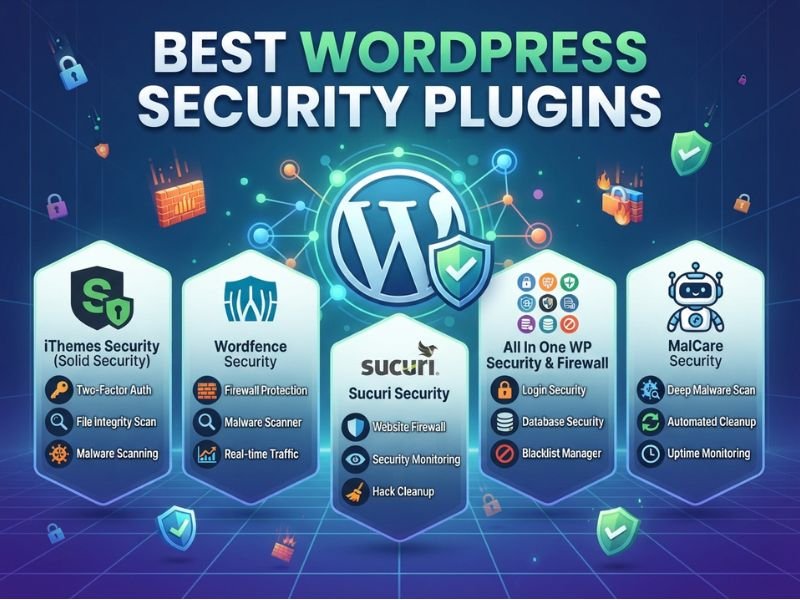
Finding the best WordPress security plugins may be tough, as many of them come with firewall, malware scanning, login security, and alerts as their selling points. The real factors that distinguish one tool from another lie in its scope of coverage, when updates will be made, the cleanup procedure, technical support, and price. The current article will discuss seven popular plugins that can be utilized on your site in 2026 in order to protect it properly. For a start, try using Wordfence; however, those who have infected websites should consider plans that feature malware cleanup.
What Are the Best Security Plugins for WordPress?
If your question is about the best security plugins for WordPress, begin by analyzing what each of these products secures and which features you need to pay. The table below shows the main differences between the best security plugins for WordPress.
| Plugin | Best Fit | Free Coverage | Key Paid Upgrade | Major Limitation |
| Wordfence | General WordPress sites | Firewall, scanning, login security | Real-time threat updates | Free threat feed is delayed |
| MalCare | Malware detection and cleanup | Scanning, alerts, basic protection | Cleanup and advanced protection | Cleanup requires higher plans |
| Sucuri Security | Auditing and cloud protection | Security auditing and monitoring | Cloud firewall and cleanup | Features are split across products |
| Patchstack | Vulnerability protection | Vulnerability awareness | Virtual patching and mitigation | Not a general cleanup service |
| All-In-One Security | Login and hardening | Login controls and hardening | Malware scanning and advanced controls | Some features require configuration |
| Jetpack Security | Backup and recovery | Limited Jetpack features | Backup, scanning, WAF, recovery | Security plan does not support multisite |
| Shield Security | Automated security management | Core protection features | Advanced automation and controls | Feature availability varies by plan |
For users evaluating the best WordPress security plugins 2026 choices, Wordfence will serve as an effective general-purpose solution to start with, while MalCare and Sucuri will make sense to consider if you need some malware cleaning or managed security service. Patchstack offers its services only within the scope of vulnerabilities. Jetpack adds some backup/recovery capabilities. AIOS and Shield are oriented towards hardening.
Therefore, it is reasonable to view this list of the best WordPress security plugins 2026 solutions as just a comparison of capabilities. The specifics of your hosting, your website itself, your security stack, and recovery process will affect the choice.
How We Evaluated These WordPress Security Plugins
This comparison of the best WordPress security plugins is research-based rather than a claim that every product was tested under identical laboratory conditions. We considered six practical areas: protection coverage, malware detection versus removal, free-plan limitations, update timing, administration, compatibility, and pricing.
The internal operation of a product and the external availability of a solution were also factors taken into account, depending on whether the product is an extension within the WordPress system or an external cloud solution to offer security.
Price and functionalities can be updated; therefore, users should check the current price plan prior to buying. Currently, Wordfence separates threat intelligence, which is delayed and free, from the real-time paid version, while MalCare distinguishes detection and cleanup for all its plans.
A clean scan should not be treated as proof that a security product detects every possible threat. Likewise, a single test should not be used to make universal performance claims.
The 7 Best Security Plugins for WordPress Compared
1. Wordfence: Broad Protection with a Strong Free Option
Wordfence is one of the most complete starting points among the best WordPress security plugins for owners who want firewall protection, malware scanning, login security, alerts, and vulnerability monitoring in one WordPress installation. Its free version includes an endpoint web application firewall, malware scanner, two-factor authentication, rate limiting, brute-force protection, and vulnerability alerts.
The most important distinction between Wordfence free and Premium services is the timeline for threat intelligence updates. The free service offers firewall rules and malware signatures with a 30-day delay, while Premium gets them immediately.
Wordfence Premium costs from $149 per year. Additional support comes with more expensive plans. Therefore, the premium service cannot be confused with a managed cleanup solution by default.
For self-managed business websites, Wordfence is useful when the administrator is comfortable reviewing alerts and configuring security settings.

2. MalCare: Scanning with Paid Cleanup Options
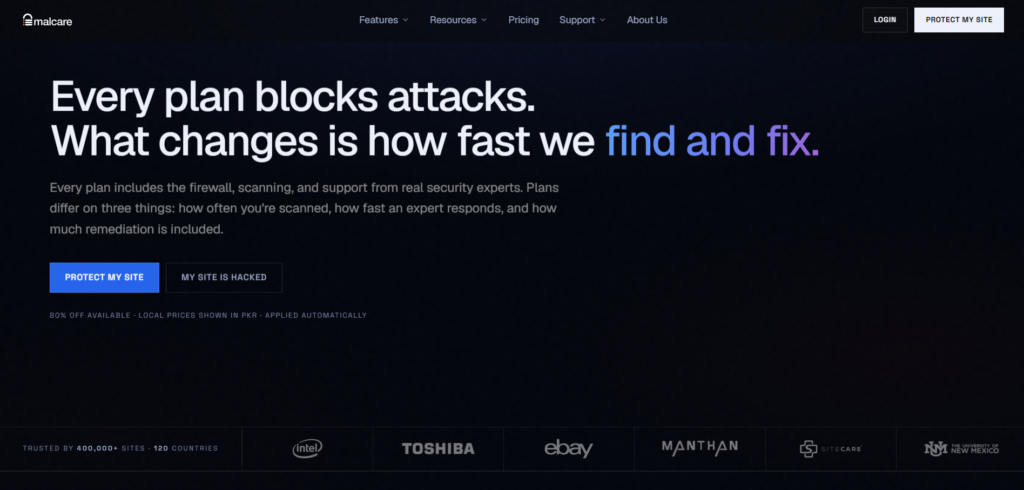
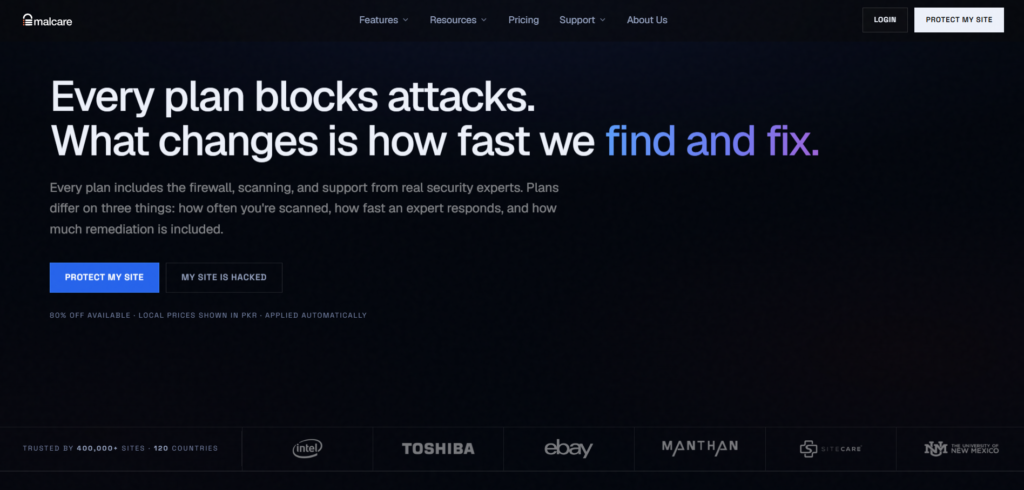
MalCare takes a different approach from many of the best WordPress security plugins by emphasizing offsite malware scanning and a connected security service. Its current plans separate prevention, scanning frequency, expert response, and remediation.
The important buying distinction is cleanup. MalCare’s current Free and Protect plans detect threats but do not include instant malware cleanup. Repair and Fortify include cleanup capabilities, with different scan frequencies and response levels. Scans are carried out on a weekly basis for the Free plan, on an every 24 hours basis for Protect, every 12 hours for Repair, and hourly for Fortify.
This renders MalCare pertinent to website owners seeking security monitoring with a clear way forward for remediation. However, you should check the exact plan before purchasing because detection and removal are separate capabilities.
If your site is already compromised, installation alone should not be considered a complete recovery process. Verify backups, investigate the infection, and use a plan or service that actually includes cleanup.
3. Sucuri Security — Auditing with Optional Cloud Protection
Sucuri is another name frequently included when people compare the best WordPress security plugins, but its products need to be separated carefully. The WordPress plugin provides security auditing and monitoring features, while Sucuri also offers a cloud-based web application firewall and broader security platform plans.
The cloud firewall works before requests reach the website, inspecting incoming traffic and filtering malicious requests. That is different from relying only on a WordPress plugin running on the site itself.
Sucuri’s current platform plans include malware and hack removal by security experts, while firewall plans focus on traffic protection and related cloud features. Current listed platform pricing starts at $229 per year for Basic, while firewall pricing starts at $9.99 per month.
For buyers comparing the best WordPress security plugins 2026, the key point is to identify whether you need auditing, external traffic filtering, professional cleanup, or a combination of these.
4. Patchstack: Targeted Vulnerability Protection
The Patchstack plugin performs a more specialized task compared to some of the top WordPress security plugins. This plug-in specializes in detecting and mitigating vulnerabilities in the WordPress plugins, themes, and software. Through its virtual patching technique, it can protect from attacks when there is no permanent solution yet.
Virtual patching is useful, but it should not replace updating vulnerable software. Once the developer releases a secure version, installing that update remains important.
Patchstack is especially relevant for agencies and developers managing multiple WordPress websites. Its current Developer plan is designed for professionals and agencies, while personal users are directed toward partners and resellers. The developer plan is currently priced at $69 per month on an annual billing cycle.
In case you need complete malware cleanup, Patchstack cannot be seen as a replacement for a cleanup solution. Its value lies in vulnerability awareness and mitigation, not incident response.

5. All-In-One Security: Login Protection and Hardening
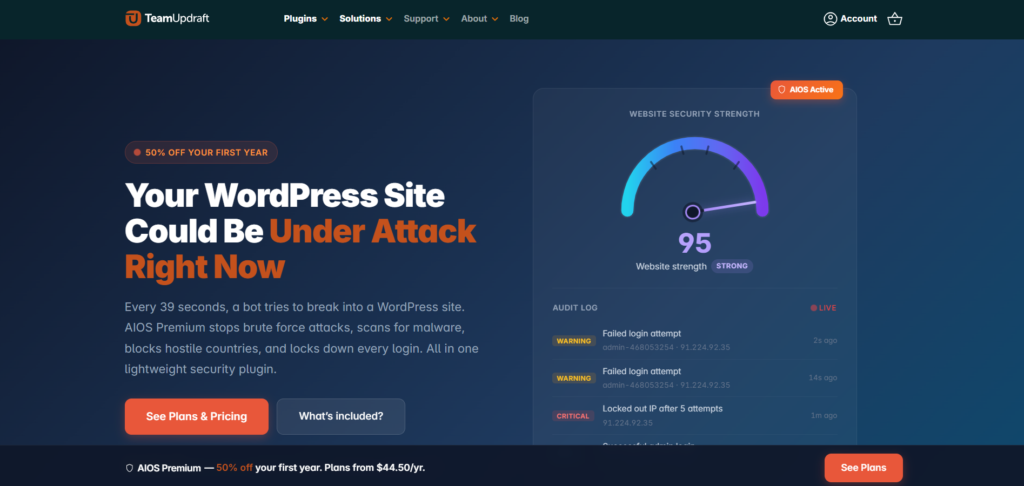
All-In-One Security, commonly called AIOS, is useful for website owners who want to strengthen login security and WordPress configuration. Its features include two-factor authentication, file-change monitoring, file-permission checks, PHP and .htaccess firewall rules, and controls for sensitive files.
The current premium offering also includes malware scanning. This distinction matters because monitoring file changes is not the same as scanning files for malicious code. AIOS Premium currently advertises automated weekly malware scanning along with additional security controls.
The plugin can provide many configuration options, but stricter settings should be tested before applying them to a production website. This is particularly important for WooCommerce stores, membership websites, and websites using custom login forms.
Among the best WordPress security plugins, AIOS makes sense for owners who want more control over hardening and authentication. Its security score should be viewed as an indicator of enabled measures, not a guarantee that a website cannot be compromised.
6. Jetpack Security: Backups, Scanning, and Recovery Together
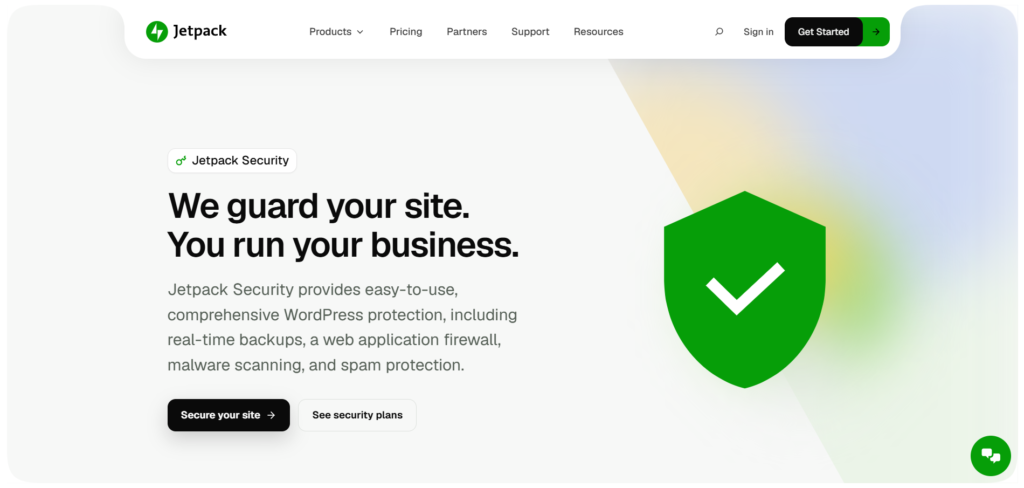
Jetpack Security features a few tools that need to be acquired individually otherwise. The current Security package offered by Jetpack Security includes VaultPress Backup, Jetpack Scan, Akismet, cloud backups in real time, unlimited restores, malware scan, website firewall, protection from brute force attacks, downtime monitoring, and optionally, two-factor authentication.
This may be helpful for businesses seeking all those services under one roof. Backups are particularly important because finding malware is only part of the recovery process.
There are also limitations. Jetpack states that its Security offering does not currently support WordPress multisite, and Jetpack Backup, Scan, and WAF have multisite restrictions.
The best WordPress security plugins should not be compared only by the number of security features listed on a page. Consider whether you already have a separate backup system, spam filter, or monitoring tool. If you do, some parts of the Jetpack bundle may duplicate existing services.
7. Shield Security: Automated Bot Protection
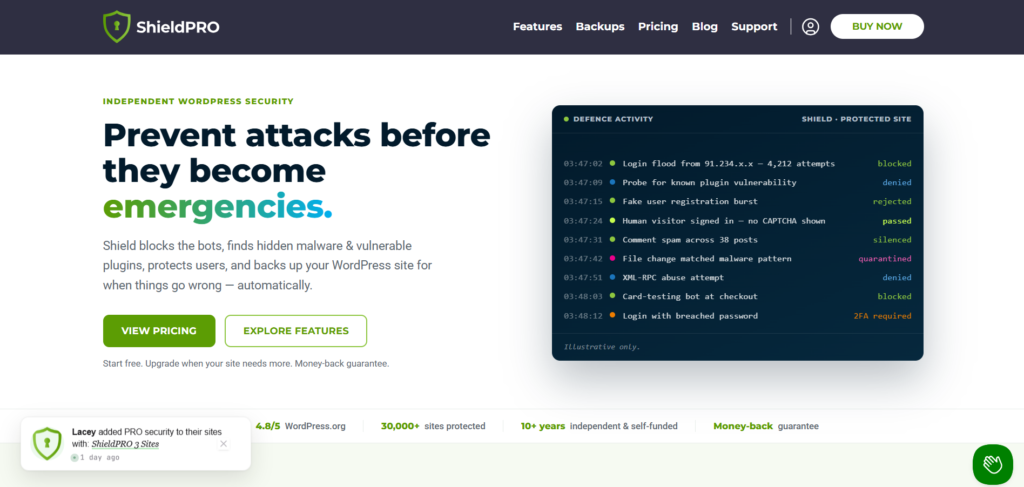
Shield Security focuses on automated WordPress security management, including bot protection, login safeguards, vulnerability monitoring, and security controls. It can be useful for site owners who prefer automation instead of manually reviewing every security setting.
When comparing Shield with the best WordPress security plugins, pay close attention to which features belong to the plan you are considering. Security products often place advanced scanning, automation, reporting, or response features behind paid tiers.
For WooCommerce stores and membership websites, configuration deserves extra attention. Legitimate users need to log in, submit forms, complete checkout steps, and interact with APIs without unnecessary blocks. A security system should therefore be configured around normal website behavior rather than simply applying the strictest possible settings.
Shield can be considered when automated security management is a priority, but claims about being the fastest or lightest option should only be made after controlled comparative testing.
Best Free WordPress Security Plugins vs Paid Plans
Free versions can be a reasonable starting point, but the best WordPress security plugins for one website may not be the best choice for another. The important question is what the free plan actually includes.
Compare threat-update timing, scan frequency, malware removal, human incident response, multisite support, centralized management, support, and renewal pricing.
Wordfence Free includes substantial firewall and scanning functionality, but its new firewall rules and malware signatures have a 30-day delay compared with paid protection.
MalCare provides another useful example: its Free plan detects malware, while cleanup starts with Repair or higher plans.
An increased cost does not necessarily indicate better protection. Look at similar services and evaluate both one-year and renewal rates to make your decision.
Which Security Plugin Fits Your Website?
When choosing among the best WordPress security plugins, start with your website rather than the feature list.
Personal blog: Focus on manageable baseline security, administrator 2FA, updates, alerts, and reliable backups.
Business website: Look for timely threat protection, actionable security alerts, dependable recovery, and support that matches the importance of the website.
WooCommerce or membership site: Test checkout, login, forms, APIs, webhooks, and third-party integrations after configuration. Security rules that interfere with normal customer activity can create business problems.
Agency portfolio: Centralized administration, licensing, reporting, and multi-site management become more important.
Consider what you’re getting from your hosting service too. Cloudflare is an add-on for WordPress security in that it provides traffic filtration at the cloud level, but it’s not a WordPress scanning plugin. Similarly, a dedicated backup or two-factor authentication tool will cover its own niche without having to buy a full-fledged security bundle.
Installing multiple plugins may lead to redundancy, conflicts, and extra notifications, among other problems. The best WordPress security plugins should be filling holes in your current configuration.
What to Do After Installing a Security Plugin
The installation of the best WordPress security plugin is the start of the process. Follow the following steps to complete the installation:
- Verify your backup: Make sure that you can restore your site using a backup.
- Perform updates: Make sure to update WordPress, plugins, and themes. WordPress suggests keeping plugins and themes updated and gives you tools for automatic update control of supported installations.
- Set up your firewall: Verify the recommended firewall settings and avoid activating aggressive rules without testing.
- Enable administrator 2FA: Set up two-factor authentication for administrator accounts and safely store recovery codes.
- Perform the first scan: Look through all results instead of disregarding them right away.
- Set up alerts: Configure notifications that distinguish actual security events from noise.
- Test the website: Check forms, logins, checkout, API integrations, and third-party applications.
- Create a maintenance schedule: Schedule updates, backups, scans, and security reviews.
In case of an already compromised website, remember that the installation of a plugin does not equal the cleaning of infections. It would be wise to use a backup and investigate the compromise and use a service that performs malware removal.
Frequently Asked Questions
Do I need a security plugin if my host already provides protection?
Maybe. Review exactly what your host covers, such as server firewall protection, malware scanning, backups, or incident response. Then identify the remaining gaps before adding another tool. The best WordPress security plugins should complement existing protection rather than duplicate it.
Can I use two WordPress security plugins together?
Yes, but only when their roles are clearly separated. For example, one service may provide cloud-level traffic filtering while another handles WordPress-specific monitoring. Avoid stacking multiple products that perform the same firewall, scanning, or blocking functions.
Will a security plugin slow down my website?
It can, depending on configuration, scan behavior, hosting resources, traffic, and the plugin architecture. Avoid universal claims that a particular product has zero performance impact unless you have measured it under controlled conditions.
Are recommendations from 2020 or 2025 still reliable?
Searches for the best WordPress security plugins 2020 and the best WordPress security plugins 2025 can still be useful for historical context, but old lists should not be treated as current buying guides. A product may remain useful, yet its pricing, maintenance, features, threat updates, and support can change.
If you are checking an old best WordPress security plugins 2020 article, compare its recommendation against current vendor documentation first. The same applies to best WordPress security plugins 2025 lists.
The phrase best WordPress security plugins 2020 often appears in older comparison pages, while best WordPress security plugins 2025 reflects last year’s recommendations. Neither year should replace a current feature and pricing review.
For anyone searching for best WordPress security plugins 2026, the useful question is not whether an older product name still appears on a list. It is whether the current version and plan still provide the protection your website needs.
Conclusion
The best WordPress security plugins are not identical, and the right choice depends on your site’s risks, existing tools, budget, and recovery needs. Choose protection that fills real gaps, keep WordPress software updated, maintain reliable backups, and review security settings regularly.
If your business website needs help with WordPress maintenance, security configuration, or a broader security review, BitCodeSolution can help you assess your current setup and identify practical improvements.